OutSystems Mentor
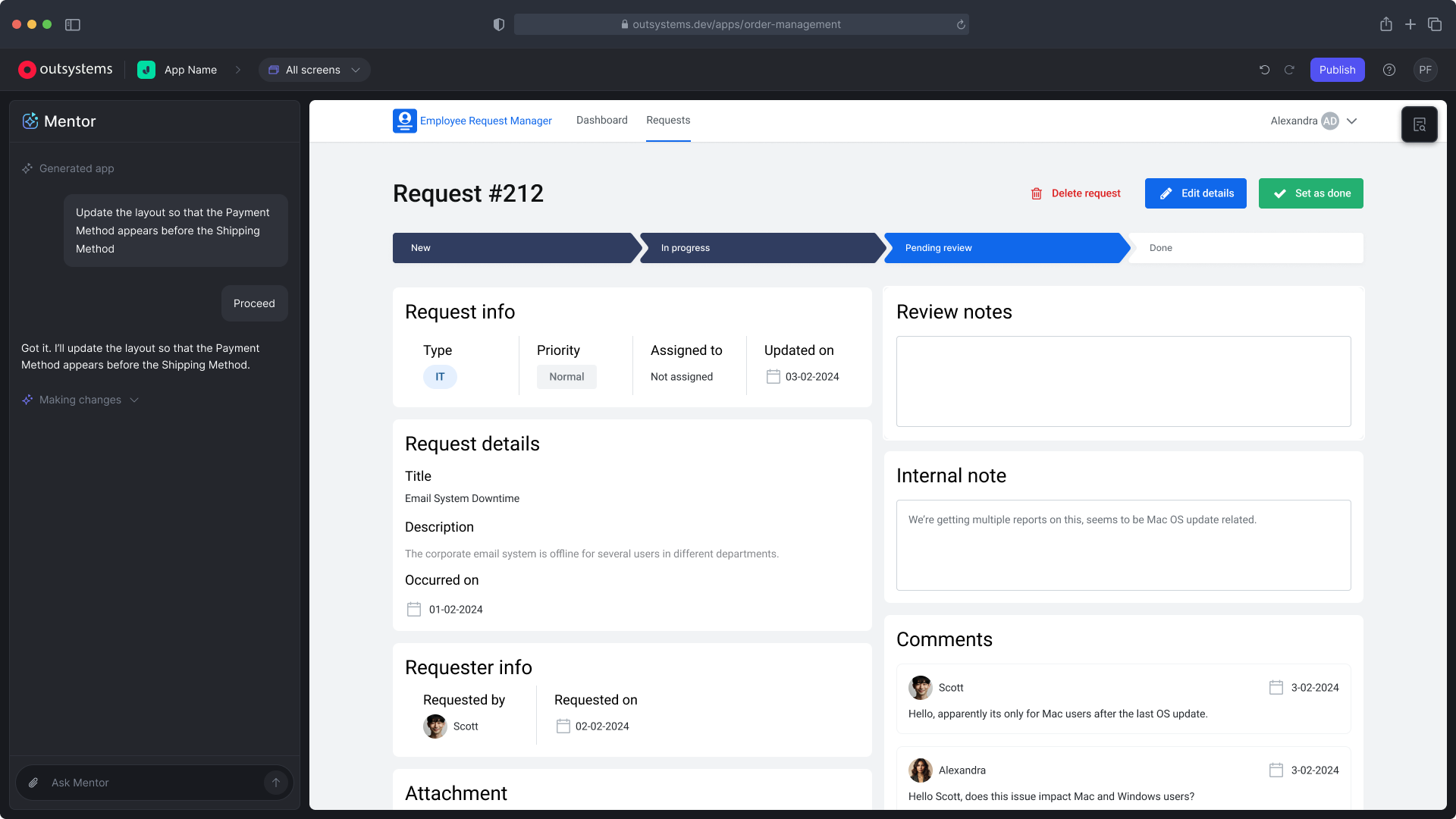
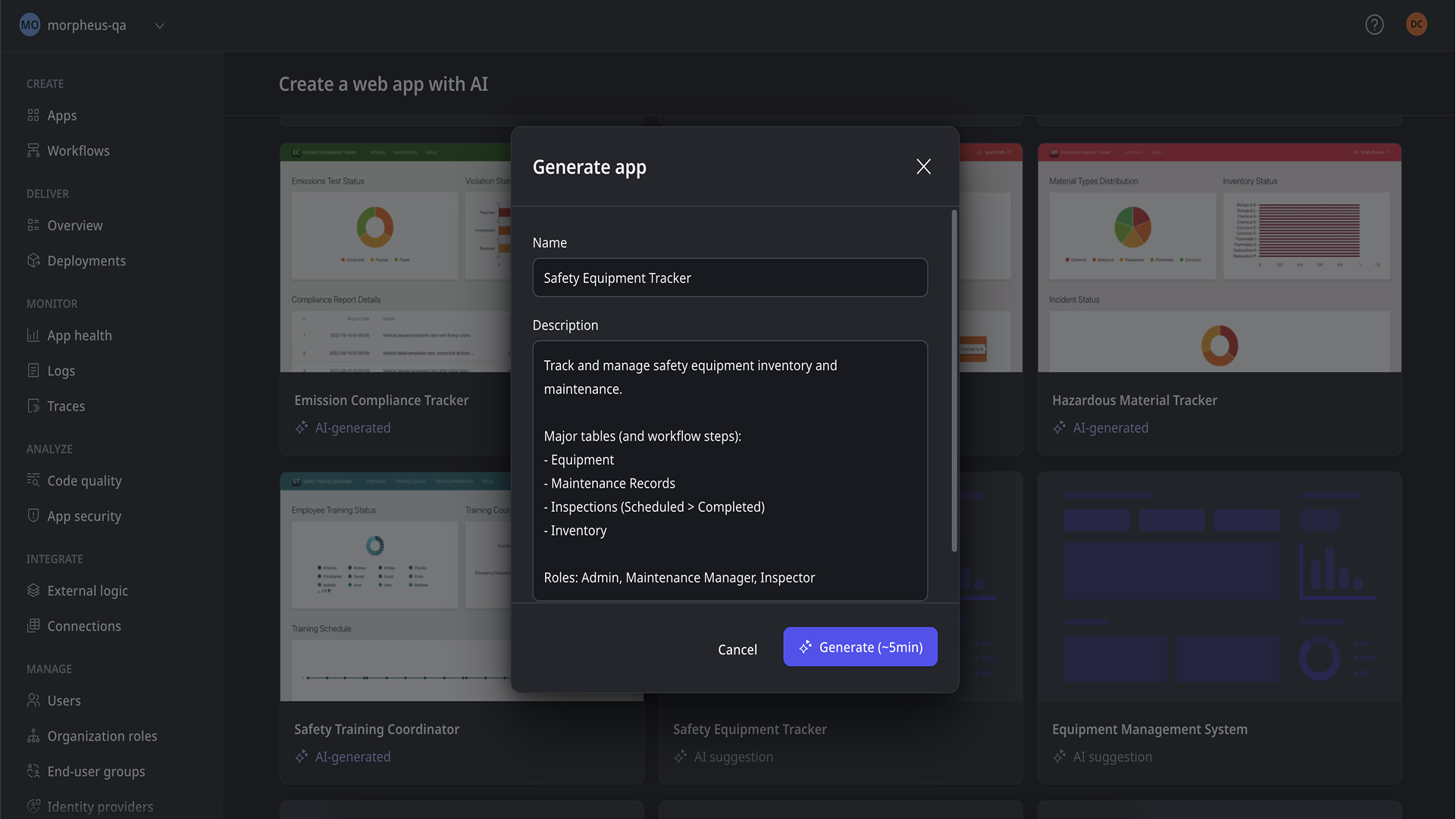
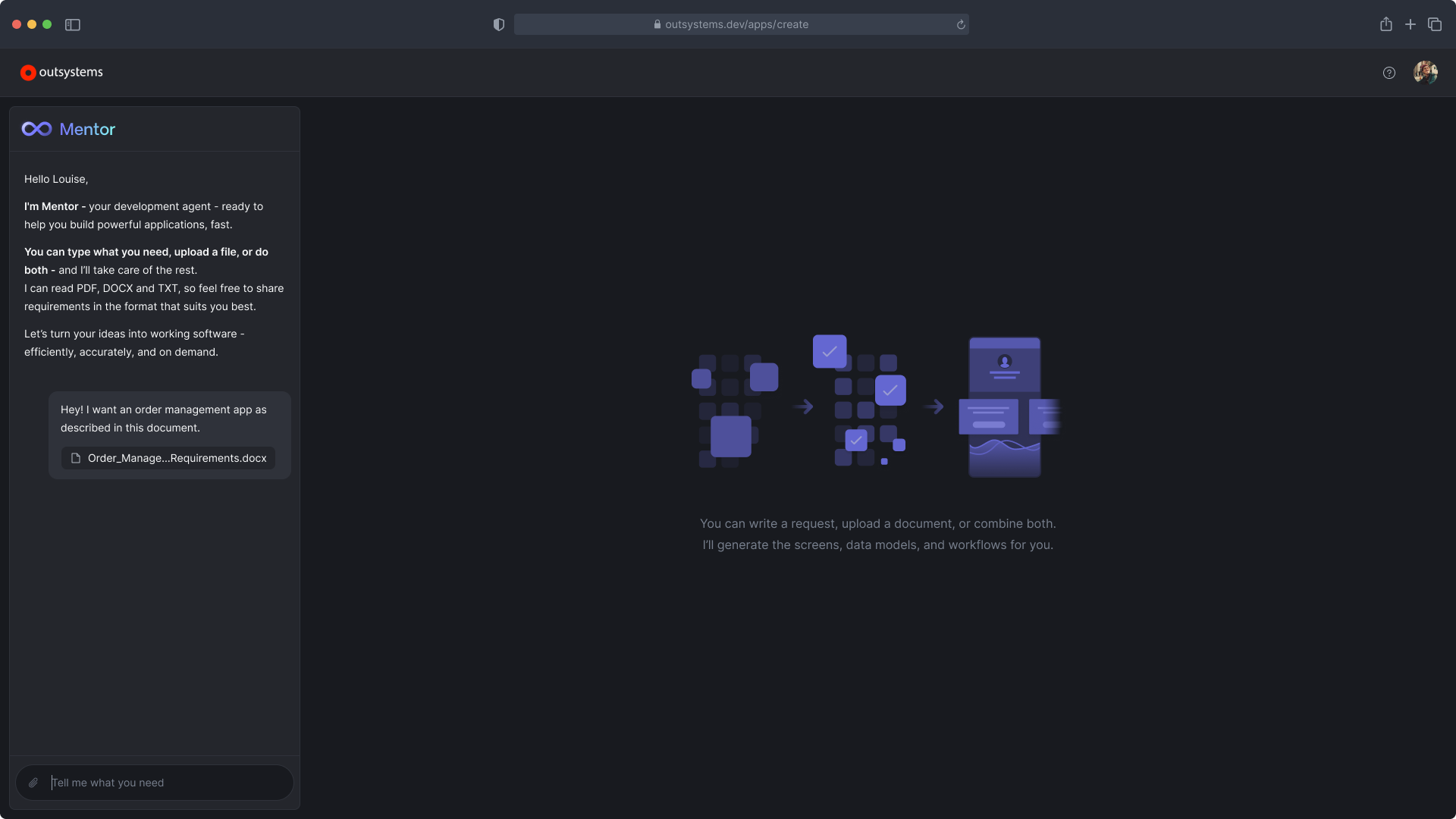
Mentor generates and edits fully working OutSystems apps from a description or a requirements document. It started as a research project where I was the only designer. I helped pitch it to leadership and led its design, working with two other designers and a content designer as it grew into a product with two patents behind it.
- Role
- Lead Product Designer
- Timeline
- 2021 → 2025
- Team
- Grew from 6 to 50+ people
- Status
- Shipped to all customers
- Product page
- Mentor AI app generation ↗
- AI Products
- Product Design
- User Experience
Context
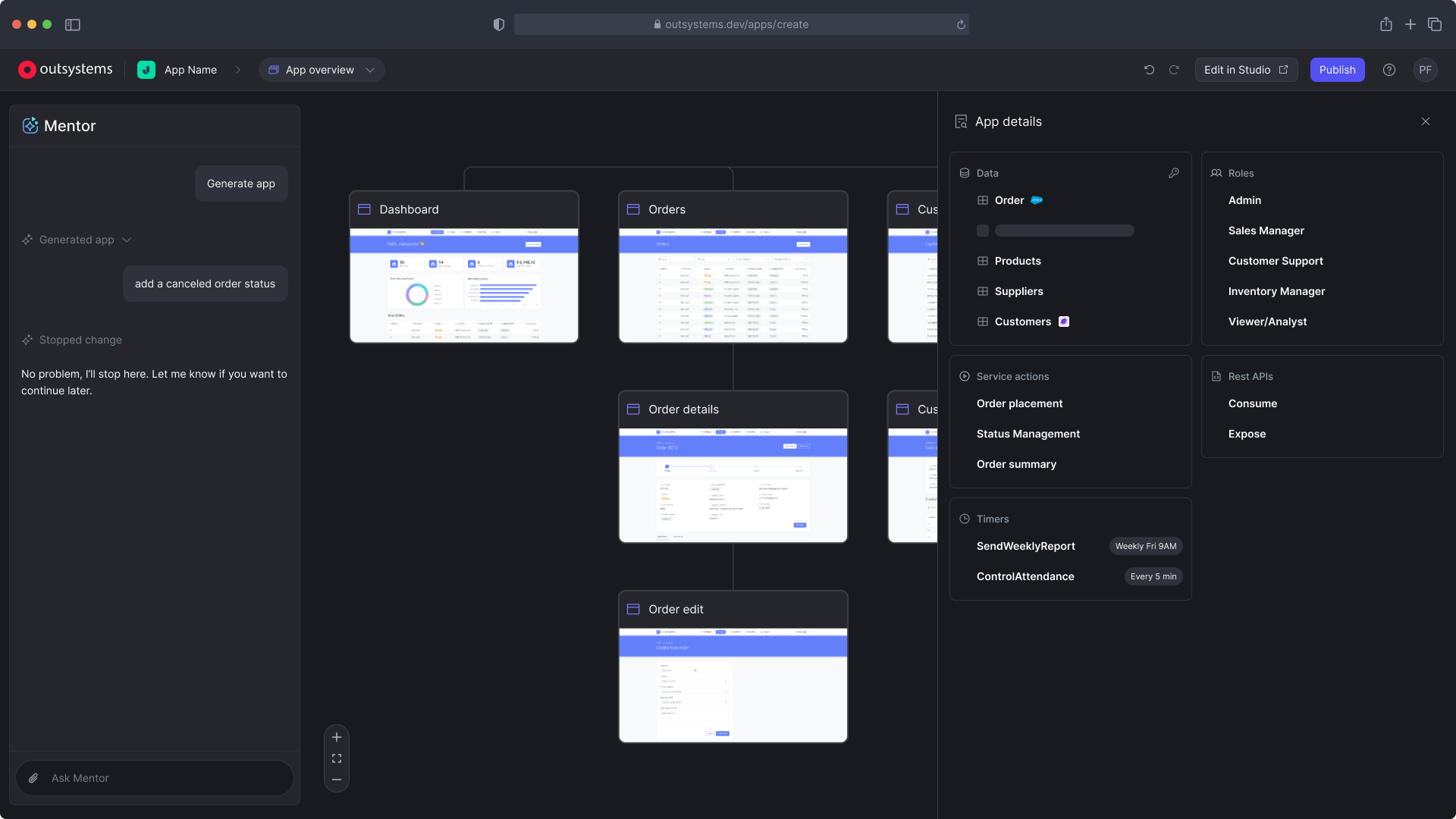
We worked like a startup inside OutSystems: shortcuts, no dependencies, new processes. The bet was to pair natural language with the abstraction and control of low-code. AI wouldn't replace developers; it would generate the things they already understood.
Problem
Building an app meant starting from a template and making change after change by hand before reaching any real value. Mentor flips that: generate a working app first, then refine it.
Building by hand
First value comes late
Start from a template
Scaffold with accelerators
Make dozens of manual changes
First value only arrives near the end
Building with Mentor
First value comes first
Generate the app from a description
A working app is the starting point
Refine the whole app in conversation
Refine single screens
Make a few manual changes
Apps customers build
Generation started with the simplest and grew from there
Internal business apps
Covered at launch
Employee onboarding
Self-service
Case management
IT service management
Core systems
The next target
Lending
Claims management
Field service
Supply chain
External apps
Most demanding
Citizen portals
Banking portals
Insurance portals
Customer self-service
Key decisions
Steps, not one shot
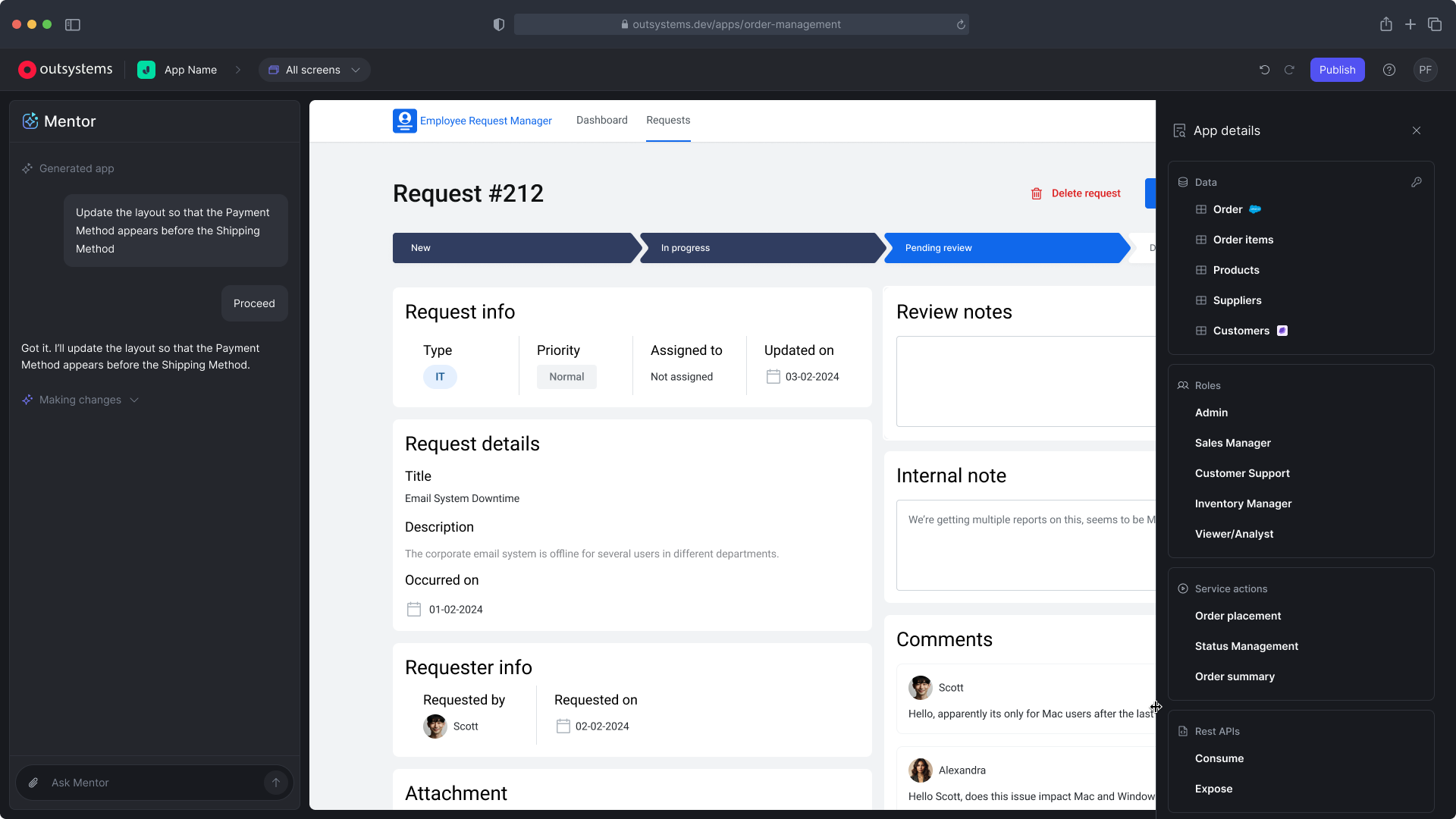
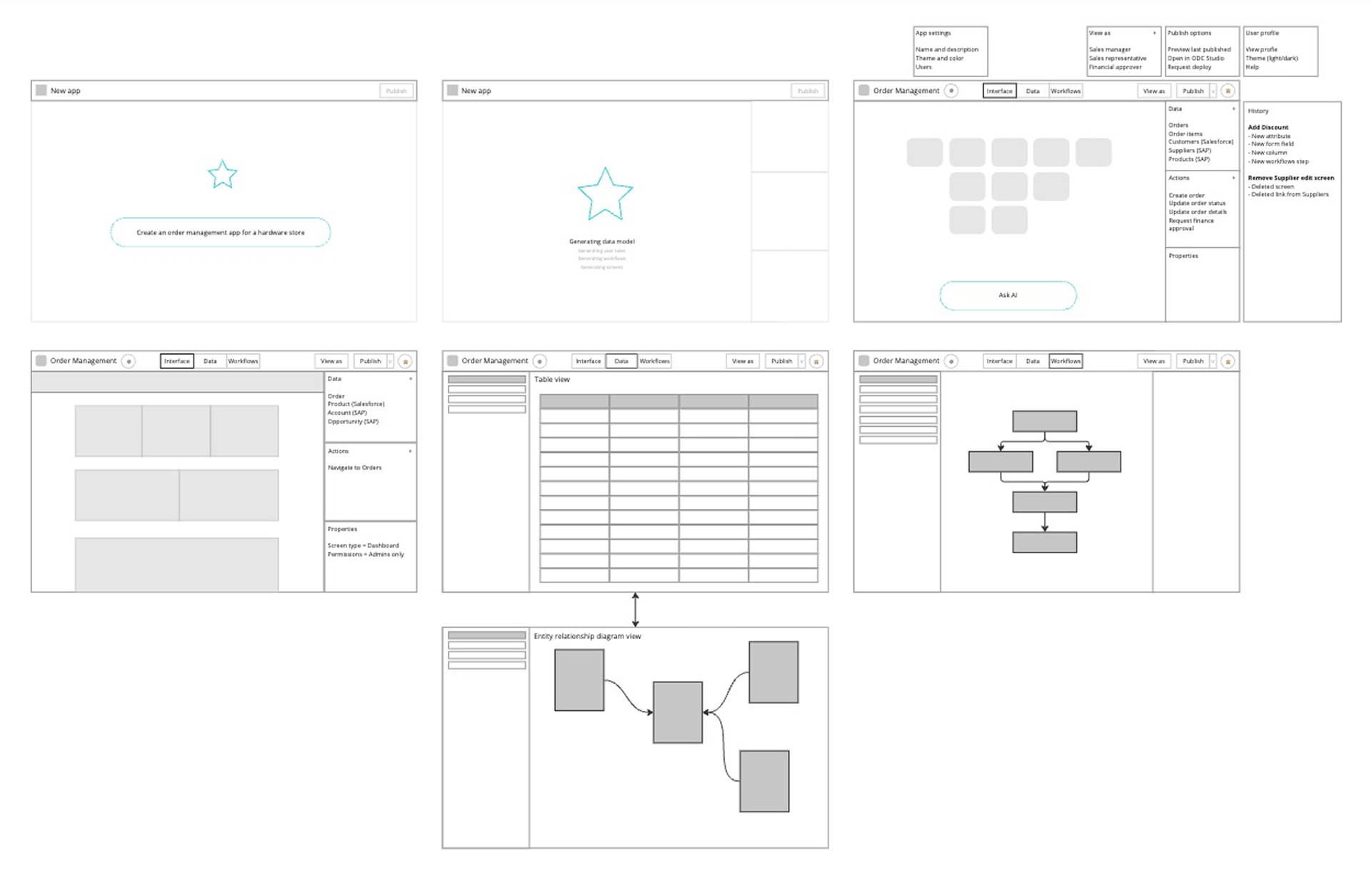
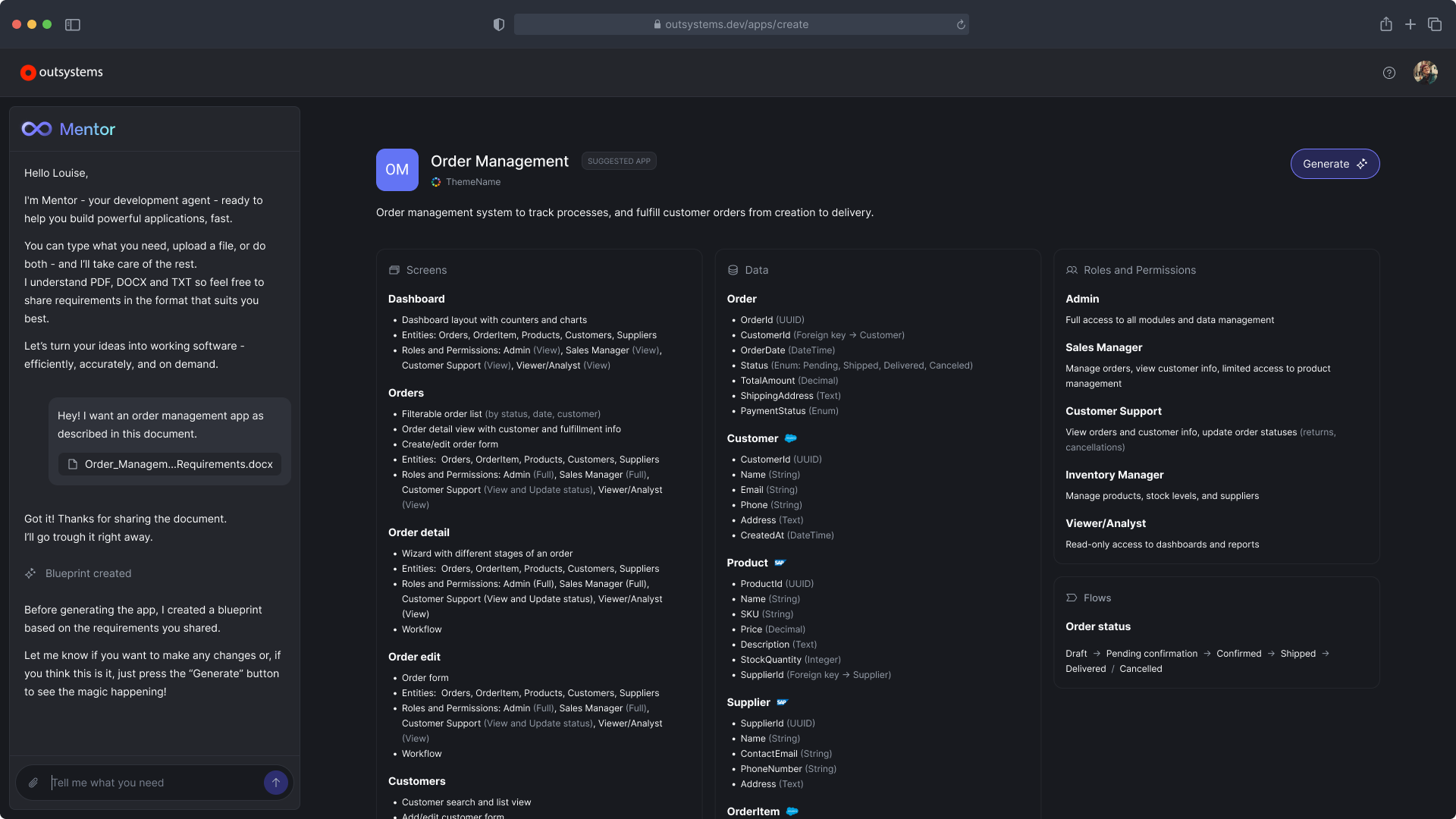
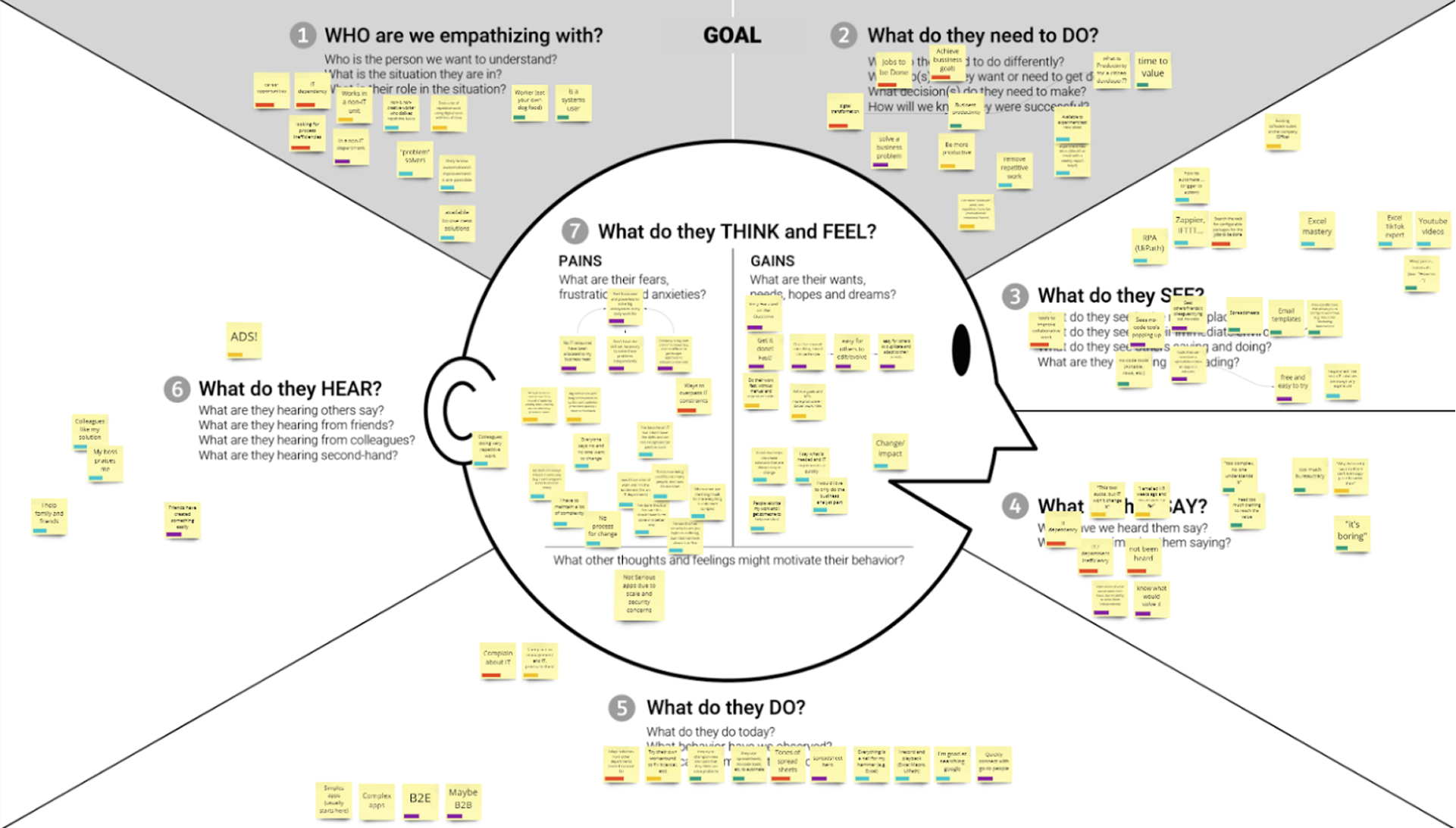
Research moved the product from one-shot generation to a guided, multi-step flow that kept people in control.
Generate what developers know
AI produces regular low-code apps people can inspect and change, not opaque code.
One conversational IDE
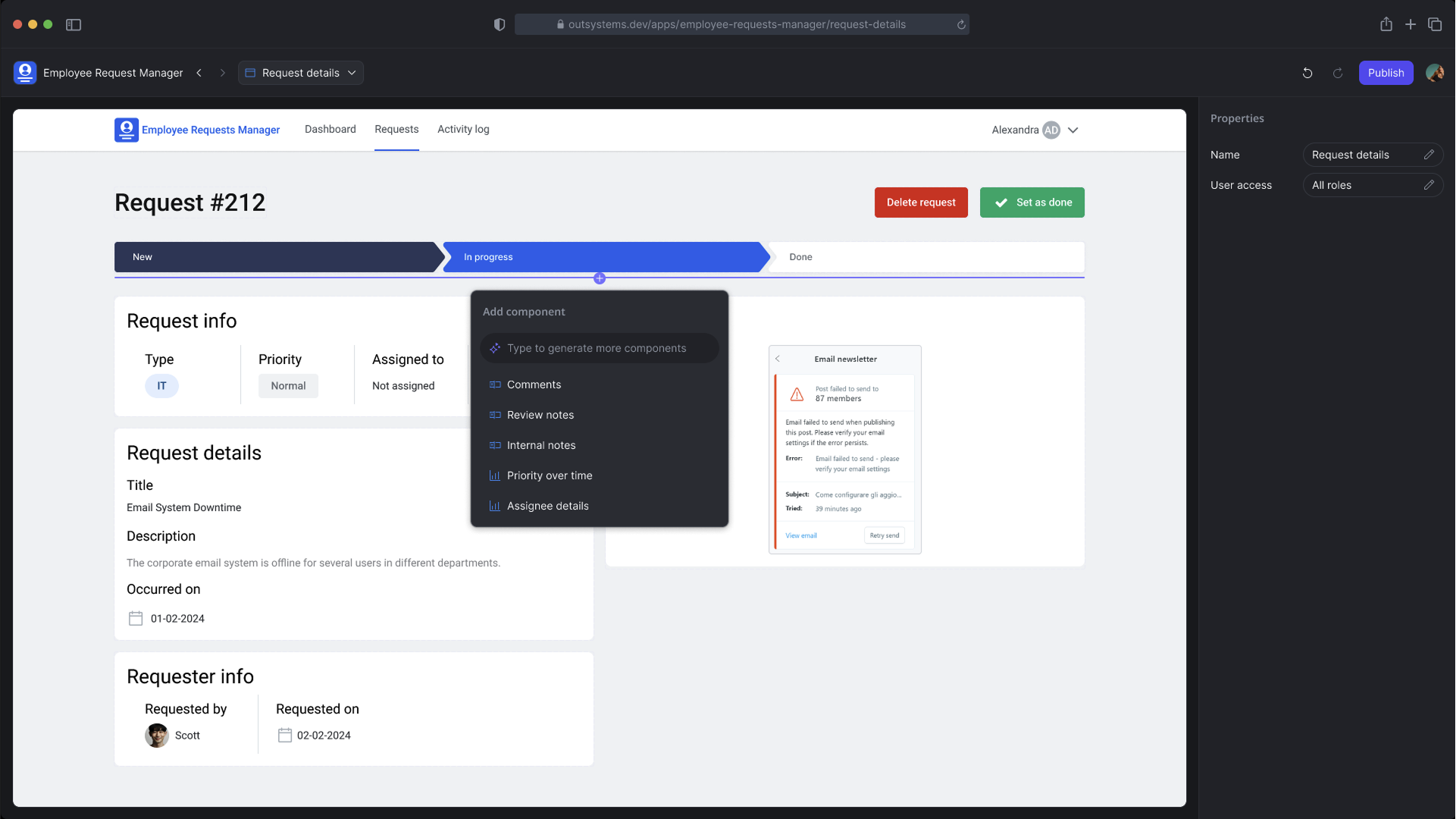
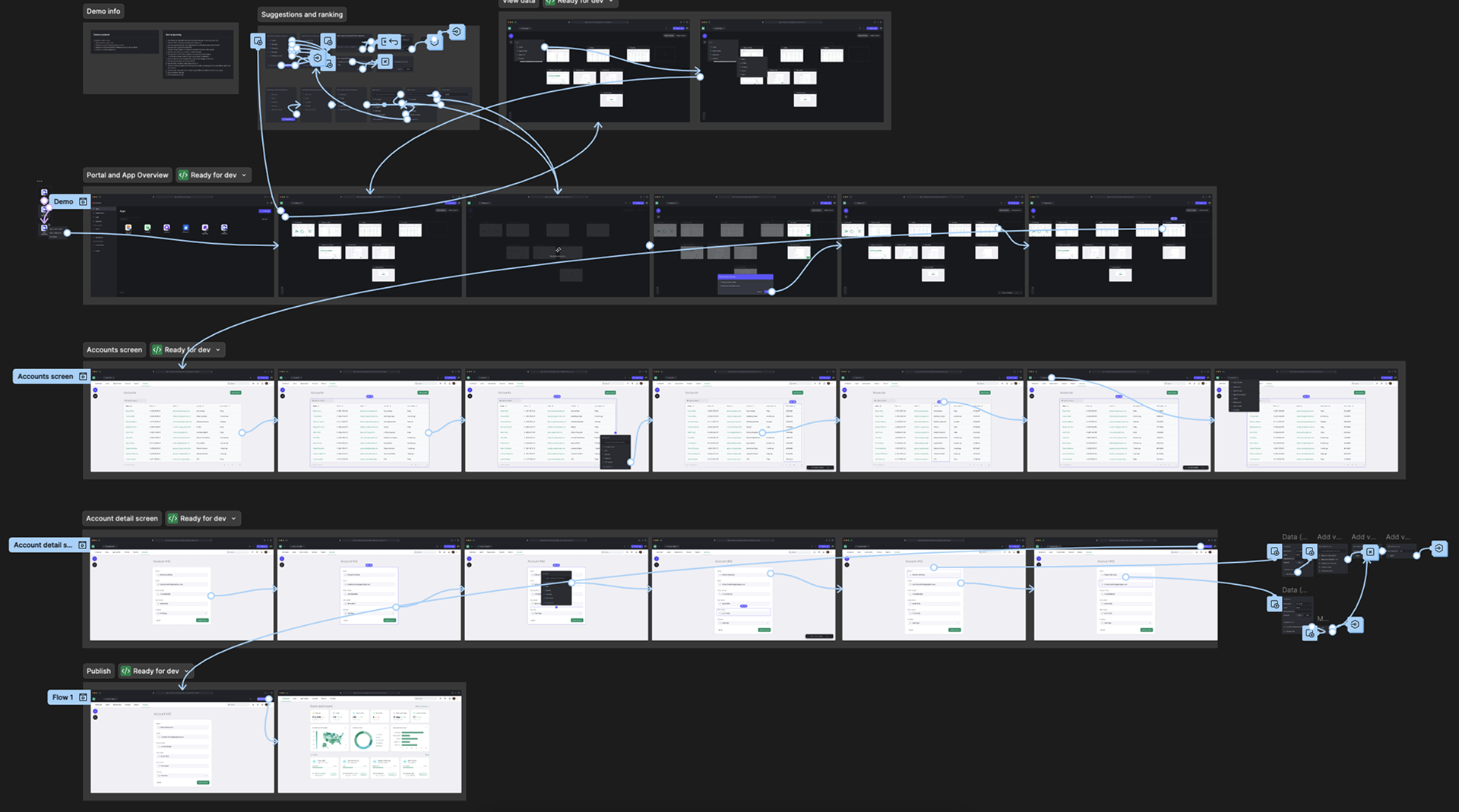
We merged the generator and the editor, so creating and changing an app happen in the same conversation.
Test every week
Weekly test sessions and an internal developer program added up to 400+ user tests.
No sense of control
Over what the generator produced and how
A guided, multi-step flow, with a blueprint to review first
Apps looked alike
Generated apps kept coming out with the same look
Color palettes per industry, with two colors per app
Experienced developers wanted control
Strong for citizen developers and executives, but experienced developers still preferred building by hand
Regular low-code apps they can open and change in Studio
Outcome
- to build an app that used to take two weeks
- <10 min
- apps generated in the first week
- 1,000+
- adoption in the early access program
- 100%
- patents in AI app generation
- 2
Generated data models were over 90% accurate, but the screens of generated apps looked more alike than users expected, which became a priority for the next iterations. The answer was color palettes per industry, and a choice between one color per app or two.
| One colorOne color code per app | Two colorsChosenOne for shapes, one for text | |
|---|---|---|
| Contrast | WCAG AA | WCAG AAA |
| Look | Darker apps, less pleasant | Brighter apps, with a good balance of color and accessibility |
| Cost | One color code to manage | Two codes that look alike to the eye but differ a lot in contrast |
One color
One color code per app
- Contrast
- WCAG AA
- Look
- Darker apps, less pleasant
- Cost
- One color code to manage
Two colorsChosen
One for shapes, one for text
- Contrast
- WCAG AAA
- Look
- Brighter apps, with a good balance of color and accessibility
- Cost
- Two codes that look alike to the eye but differ a lot in contrast
We chose two colors: apps reach AAA contrast without losing their color.
Looking back, we optimized generation for correctness first: the data was right, but the apps felt generic. I'd test how distinct and on-brand generated apps feel alongside correctness from the start.