OutSystems UI
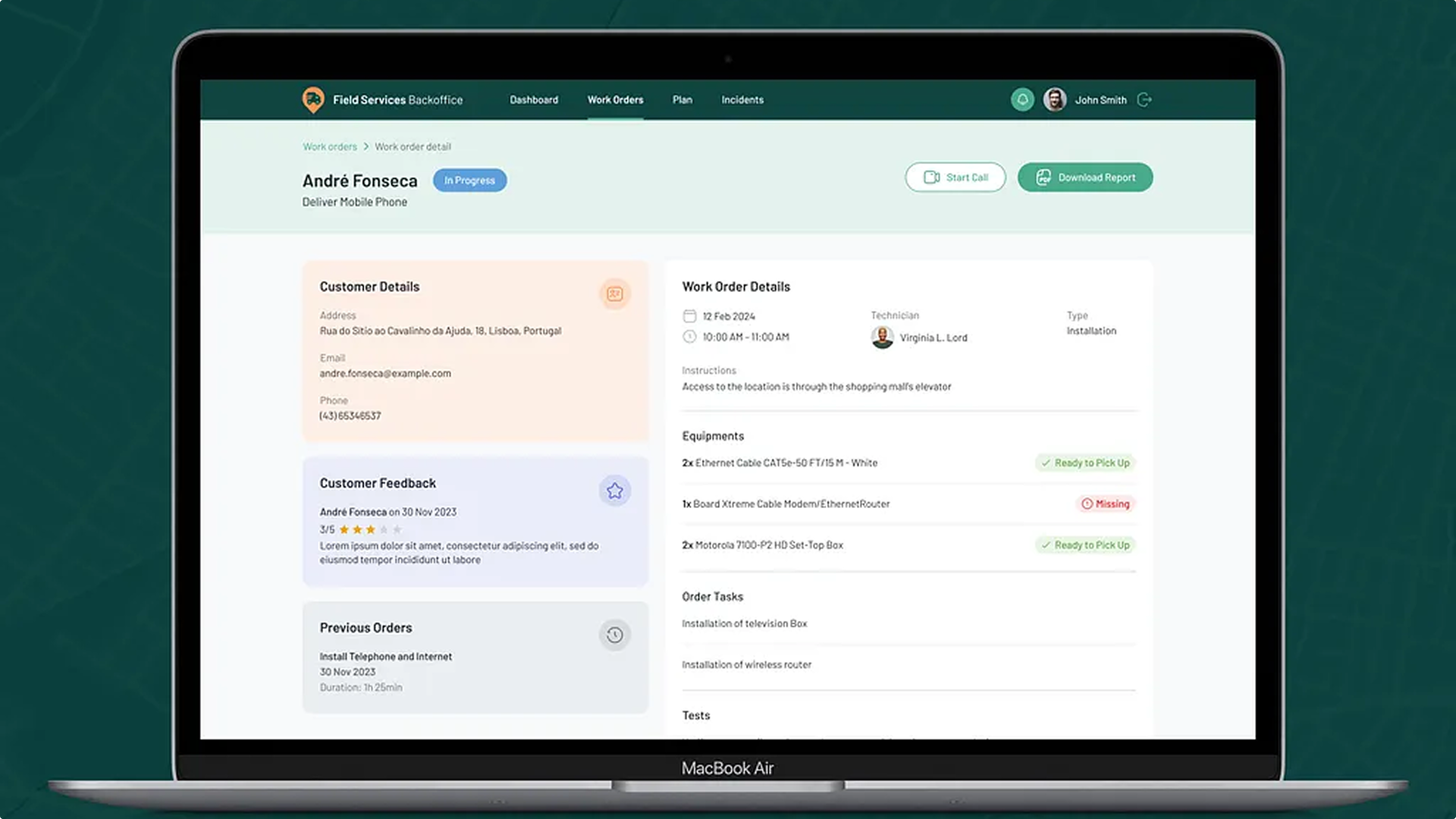
OutSystems UI is the framework OutSystems customers use to build app interfaces: 70+ drag-and-drop UI patterns and 40+ screen templates on a design system foundation. It grew out of a component library I built as a front-end consultant, which is why OutSystems hired me. I then led a team of designers and developers for over four years to make it the platform default, turn it into a single framework for web and mobile apps, and design and build its website.
- Role
- Team lead, design and front-end
- Timeline
- 2016 → 2021
- Team
- 2 designers and 5 developers
- Status
- Default for all OutSystems apps
- Live site
- outsystemsui.outsystems.com ↗
- UI Design
- Design Engineering
- User Experience
Context
Silk UI, the previous framework, had become a liability: not modular, not accessible, and falling behind modern front-end. Changing it risked breaking customer apps, so we built a new framework with accessibility built in, and planned the move off Silk from the start.
Problem
Documentation analytics showed that 69% of visits to pattern pages were for web, so web came first. Research then scored each component for friction and delight, which told us where to start:
Highest friction
Higher means harder to use
- DropdownSearch93
- Popup80
- DatePicker75
- Popover70
- Tabs68
- Carousel68
Lowest delight
Lower means less satisfying
- SectionIndex35
- Tooltip52
- RangeSliderInterval57
- Table58
- FeedbackMessage59
- DatePicker60
Hard to see what changed
Moving from Silk, people lost track of patterns, classes and names
Migration tools and clear documentation
Copies go out of date
Developers copied patterns, then missed every update
Patterns built to be extended, not copied
Hard to adapt
Fitting a pattern to a use case meant copying it
Small building blocks that combine
No guidance
Missing guidelines led to more copying
Guidelines and a Figma UI kit
Key decisions
Atoms
Basic elements
Buttons, inputs, labels
Molecules
Simple groups
A list item or a form field
Organisms
Complex sections
A list or a data table
Templates
Page layouts
Content placement without data
Pages
Real screens
Templates with real content
Accessibility first
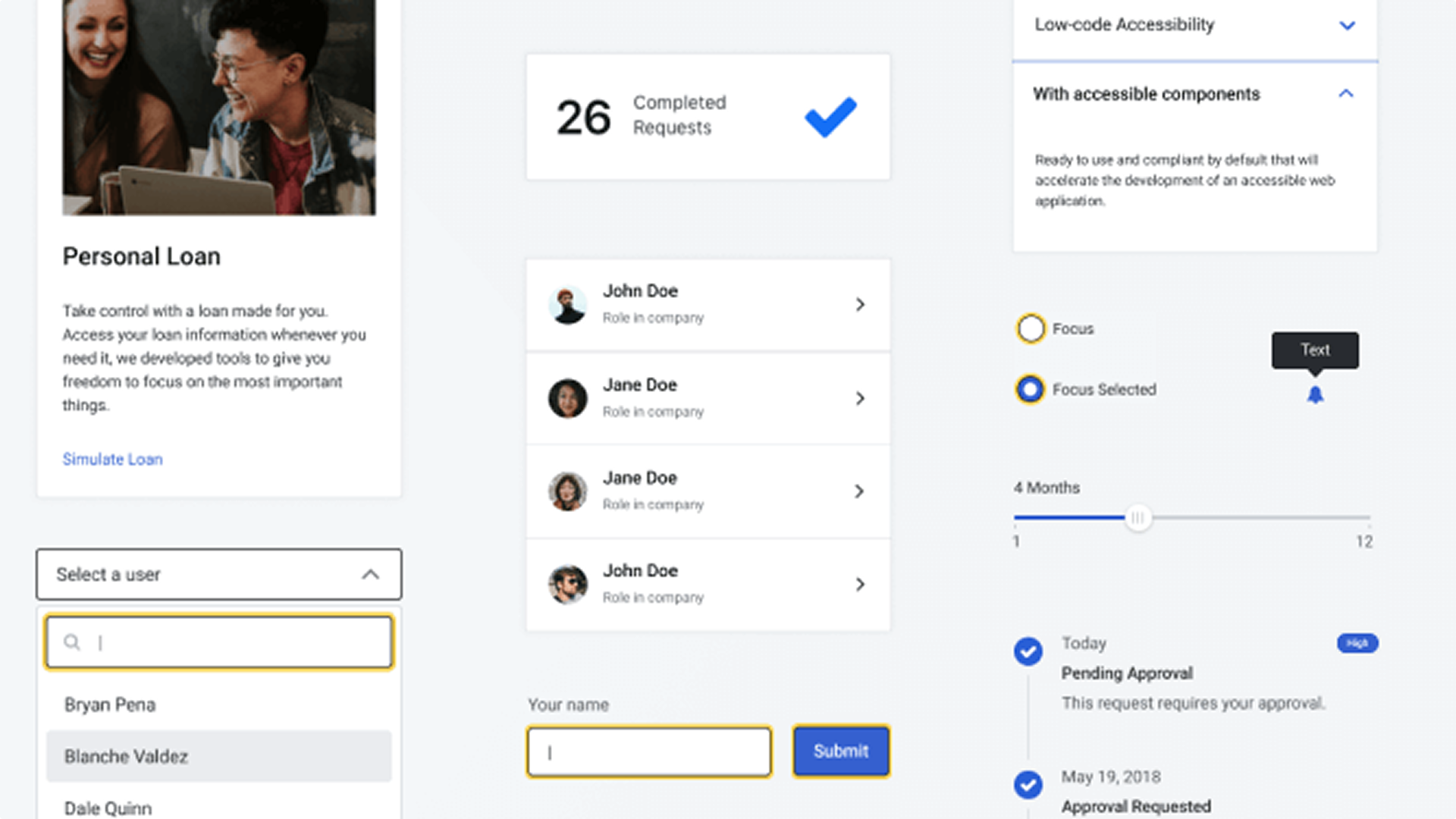
Every component meets WCAG 2.0 AA, built into the architecture from day one.
One framework for web and mobile
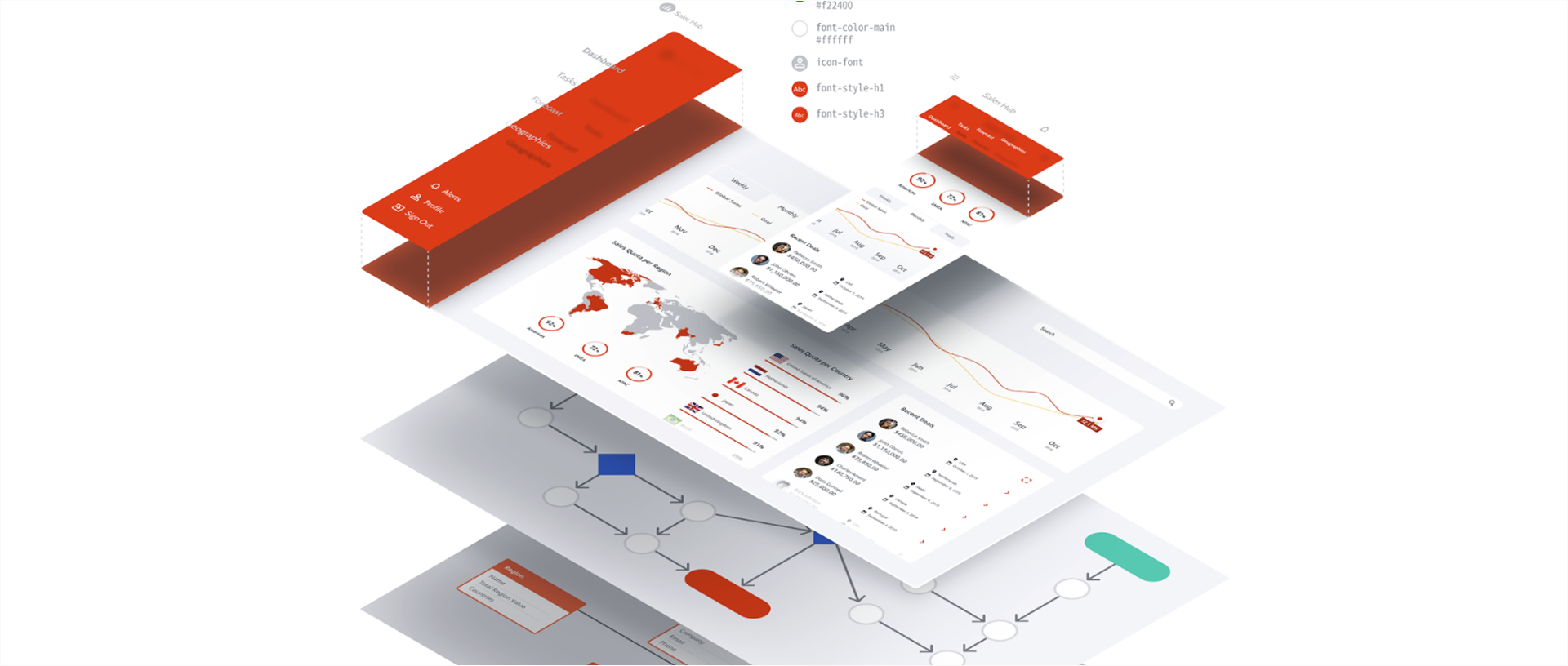
A single library of patterns, actions and themes, with the same CSS variables, for Reactive Web and Native Mobile apps.
Design and code
I designed the system and helped build its front-end, and our team designed and built the framework's website.
Easy to adopt
Migration tools and a Figma UI kit made switching simple for teams.
OutSystems UI
One framework for Reactive Web and Native Mobile apps
App templates
Where a new app starts
3 templates
Optimized for the device, fully adaptive
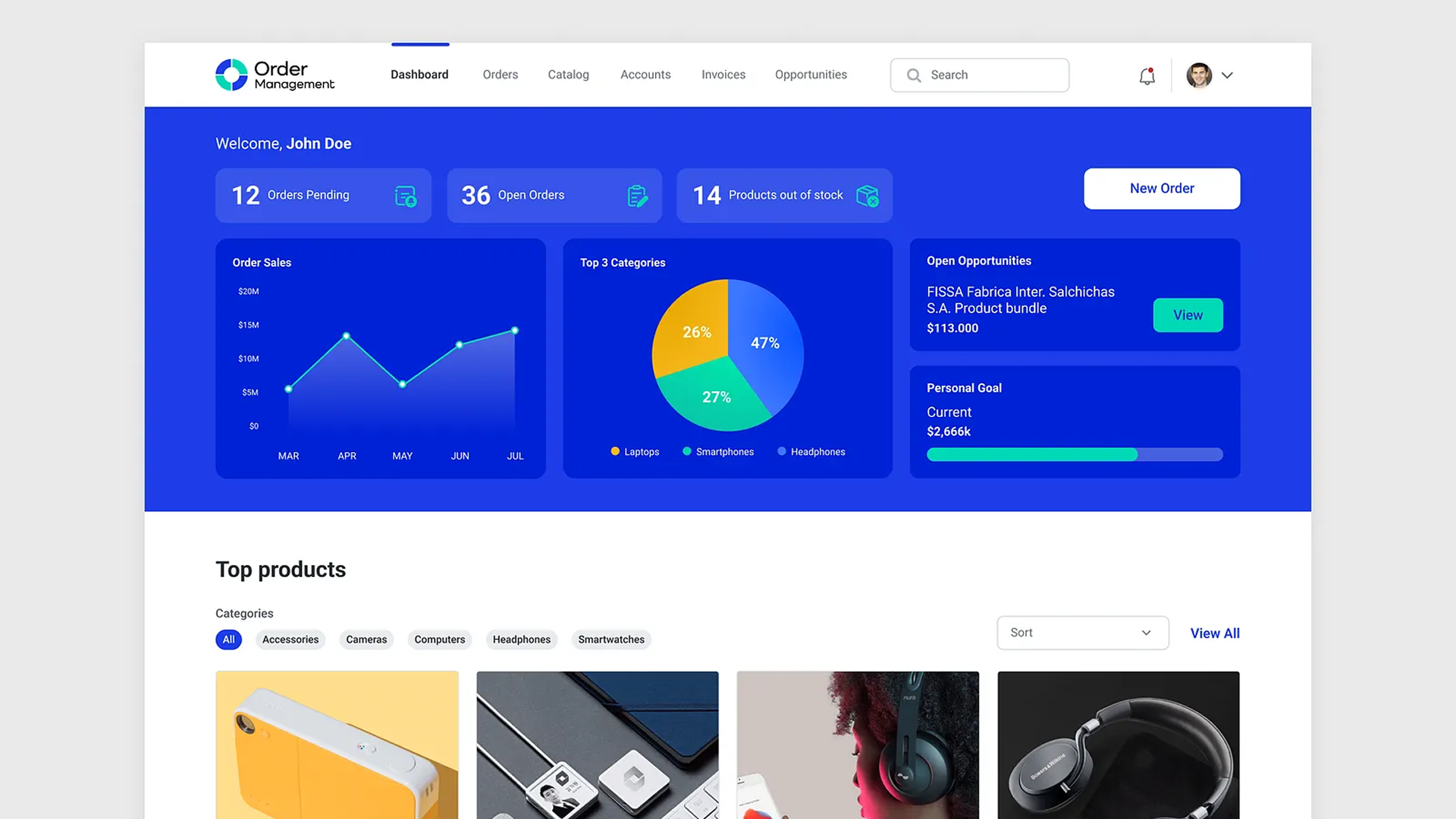
Screen templates
23 for web and 23 for mobile, with sample data
Dashboards
Details
Forms
Galleries
Lists
Onboardings
UI patterns
Dragged in from the IDE
Adaptive
12 patterns
Content
16 patterns
Interaction
18 patterns
Navigation
9 patterns
Numbers
6 patterns
Utilities
9 patterns
Widgets
16 patterns
Theme
One design system under every pattern
Theme editor
Brand an app and every element follows
CSS variables
The same on web and mobile
What landed
"Cool, I like this, I can use this in the future"
CSS variables
"This parameter will help us a lot!! (…) Override the primary colors it's awesome"
The Extended Class parameter
"This is extremely helpful, it's so easy to understand the structure and relation between the items."
Sample data in the Timeline pattern
What broke habits
"The width disappeared? How can I set the width?"
Removing width properties
"You guys kill all my classes"
New class names
"I don't like this… now I need to click one more time… it's 4 years of working the other way."
Removing width properties
Outcome
- UI patterns
- 70+
- developers using it
- 40k
- faster development, estimated
- 25%
- to retire the old framework
- 12 mo
OutSystems UI is still the framework for OutSystems 11 apps, now at version 2.30.
Looking back, adoption depended as much on the migration tools and documentation as on the components. Making it easy to leave Silk is what let us retire it in 12 months.